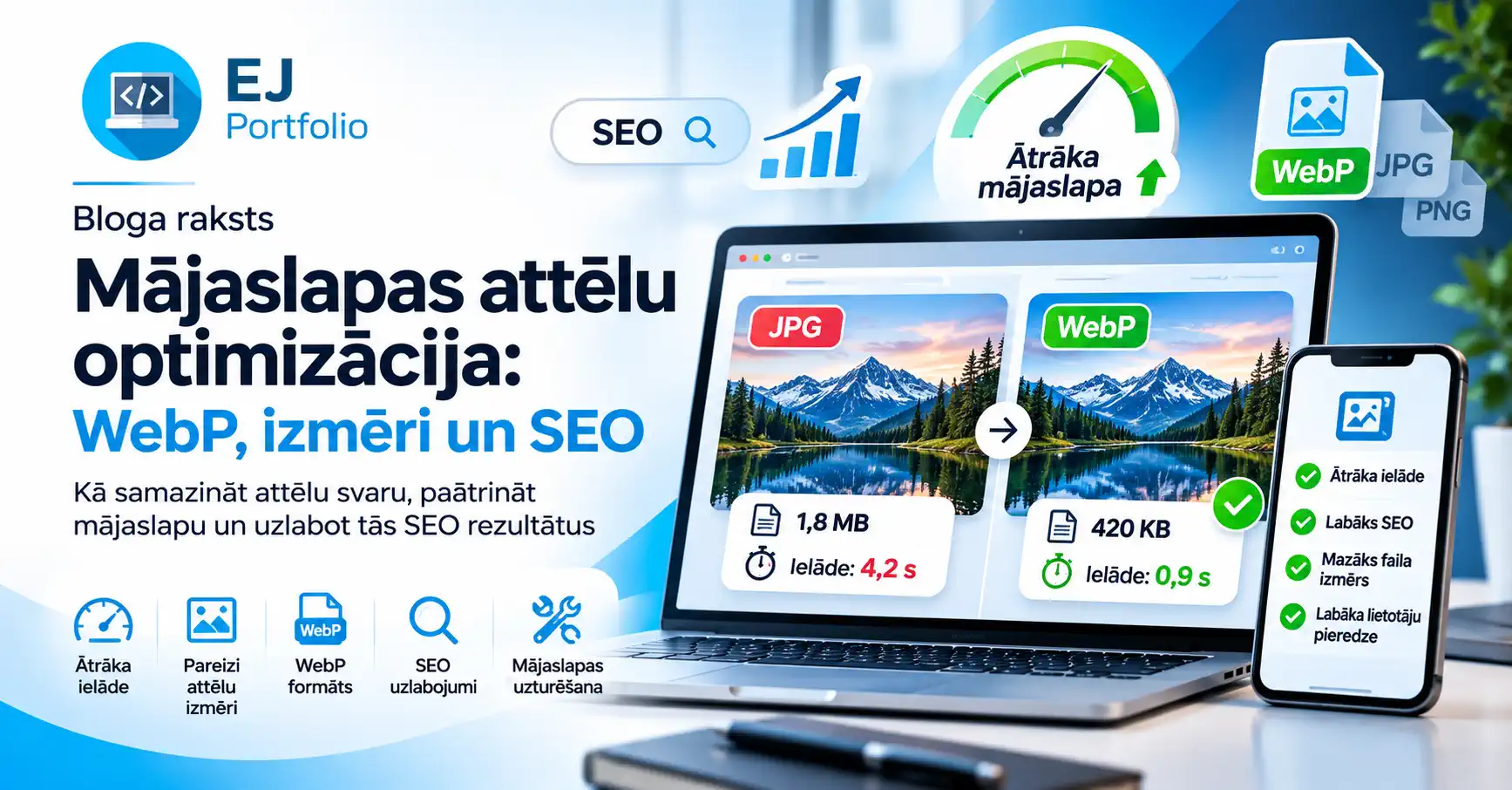
One of the most common reasons websites load slowly is the use of large, unoptimized images.
Many business websites still use high-resolution JPG and PNG images that are significantly larger than necessary. These files can slow down page loading, especially on mobile devices.
Fortunately, modern image formats such as WebP, proper image dimensions and effective compression can help businesses improve website performance without sacrificing visual quality.
In this article, we explain why website image optimization matters, how WebP works and how optimized images contribute to better technical SEO and ongoing website maintenance.
Why Does Image Size Affect Website Speed?
When someone visits a website, their browser downloads images, stylesheets, JavaScript files and other resources.
If a page contains ten images that are 2 MB each, the images alone may require downloading 20 MB of data.
This can result in:
- Slower website loading times.
- Higher mobile data usage.
- Poorer user experience.
- Increased risk of visitors leaving before the page finishes loading.
- Weaker performance metrics that may affect SEO.
Reducing image file sizes can significantly decrease the amount of data transferred to visitors.
For businesses, this is especially important because potential customers expect websites to load quickly and work smoothly on smartphones.
What Is WebP and Why Should Websites Use It?
WebP is a modern image format designed for efficient image delivery on the web.
It supports lossy and lossless compression, transparency and animation.
Compared with traditional JPG and PNG files, WebP can often deliver similar visual quality with a smaller file size.
Key Benefits of WebP Images
- Smaller file sizes. WebP images can require less storage and bandwidth.
- Faster loading. Smaller images reduce the amount of data visitors need to download.
- Good visual quality. Proper compression settings preserve important details.
- Wide browser compatibility. WebP is supported by modern major browsers.
- Improved mobile experience. Smaller image files are particularly useful on slower connections.
For example, a JPG image that occupies 1.5 MB might be reduced to approximately 200–500 KB when converted and optimized as WebP, depending on the content and compression settings.
These figures are illustrative. Actual savings vary between images.
What Are the Best Image Dimensions for Websites?
Uploading images directly from a camera or smartphone is a common mistake.
A photograph with a resolution of 4000 × 3000 pixels may be unnecessary if the website displays it at only 600 pixels wide.
These are general guidelines, not strict requirements. The correct dimensions depend on the website layout, rendered image size and screen pixel density.
Responsive websites should use srcset and sizes attributes where appropriate so browsers can choose the most suitable image resolution.
Developers should also define image dimensions or reserve image space in CSS to prevent unexpected layout shifts.
How Does Image Optimization Improve SEO?
Search engine optimization involves much more than keywords and written content.
Technical SEO also focuses on how efficiently a website loads, how accessible it is and how easily search engines can understand its content.
Optimized images can improve website performance and contribute to a better overall user experience.
1. Largest Contentful Paint (LCP)
LCP measures how quickly the largest meaningful content element becomes visible.
A large, unoptimized hero image can delay this metric.
Google recommends an LCP of 2.5 seconds or less for a good experience.
2. Cumulative Layout Shift (CLS)
CLS measures unexpected visual movement during page loading.
Images without defined dimensions can cause content to shift as they load.
A good CLS score is 0.1 or less.
3. Google Images SEO
Optimizing images can also help search engines understand their content.
Best practices include:
- Using descriptive image filenames.
- Writing meaningful image alt text.
- Placing images near relevant content.
- Using appropriate image formats and dimensions.
- Making image URLs accessible to search engines.
For example, small-business-website-development.webp is more descriptive than IMG_2847.webp.
However, using WebP does not automatically improve Google rankings. Search visibility depends on content quality, technical SEO, relevance, competition and many other factors.
What Is Lazy Loading?
Lazy loading is a technique that delays downloading images until they are needed.
For example, a blog post might contain fifteen images, but visitors initially see only the first section.
Instead of loading every image immediately, the browser can load images farther down the page as the user approaches them.
A simple HTML example:
<img src="website-image.webp" loading="lazy" alt="Optimized website image">
This can reduce initial data transfer and improve loading efficiency.
However, important above-the-fold images, particularly the main hero or LCP image, generally should not use lazy loading because it may delay their appearance.
How Can You Check Whether Website Images Are Optimized?
Several tools can help identify image optimization opportunities.
Google PageSpeed Insights analyzes website performance and can highlight oversized images, inefficient image delivery and other loading problems.
Google Lighthouse provides technical performance audits and recommendations.
Squoosh allows users to resize, compress and convert images while comparing visual quality.
Businesses should evaluate specific performance problems rather than focusing exclusively on achieving a perfect performance score.
Why Is Image Optimization Part of Website Maintenance?
A website needs ongoing maintenance to remain fast, secure and functional.
Over time, businesses publish new blog articles, upload product photos, update galleries and add new service pages.
If new images are uploaded without optimization, website performance can gradually decline.
Professional website maintenance may include:
- Converting images to WebP or another suitable modern format.
- Resizing oversized images.
- Compressing images while preserving quality.
- Monitoring website loading speed.
- Fixing technical SEO issues.
- Updating website software and content.
- Reviewing mobile performance.
- Checking website security and functionality.
Image optimization is one important part of a broader website maintenance strategy.
Can Faster Websites Help Businesses Attract More Customers?
Website performance can influence how visitors experience a business online.
When product pages, service descriptions and contact information load quickly, visitors can browse more comfortably and reach important information sooner.
This is especially relevant for:
- E-commerce websites with large product catalogs.
- Hotels and guest houses with image galleries.
- Construction and service companies showcasing completed projects.
- Small businesses relying on organic Google traffic.
Although faster loading does not guarantee more sales or inquiries, it helps remove unnecessary friction from the customer journey.
Website Development, SEO and Maintenance with EJ Portfolio
EJ Portfolio provides website development and digital solutions for businesses, focusing on modern design, usability, performance and SEO fundamentals.
A professional website should not only look attractive. It should also load efficiently, work well on mobile devices and support long-term business goals.
If your business website loads slowly, contains oversized images or requires technical maintenance, EJ Portfolio can help you explore potential improvements.
A fast, user-friendly website is a valuable investment in your business's digital presence.
From an idea to a real website that works for your business.
All articles